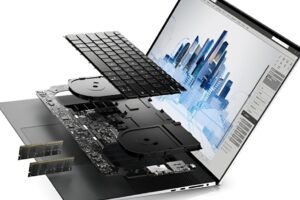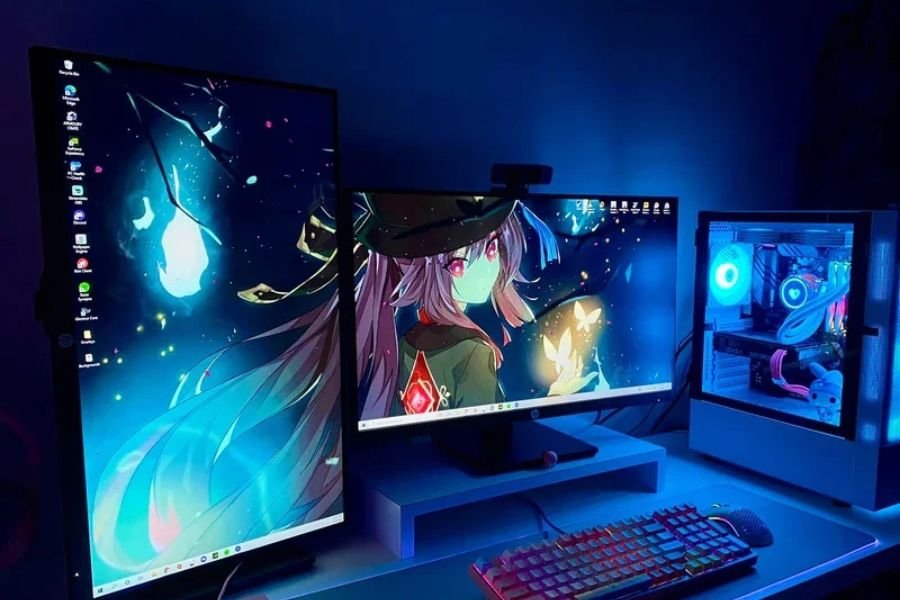
Building a gaming workstation PC in 2026 is nothing like it was three years ago. The line between gaming rigs and professional workstations has blurred — and most buyers are stuck picking components based on outdated advice. If you’re spending serious money, you need a build that handles 4K gaming, video rendering, and multitasking without a sweat.
This guide cuts through the noise. No generic component lists — just practical decisions based on what the 2026 hardware market actually offers.
Why 'Gaming Only' Builds No Longer Make Sense
Streamers, content creators, architects, and engineers all game. They also run DaVinci Resolve, Blender, CAD software, and virtual machines. Buying a pure gaming rig means you’ll be bottlenecked the moment you open anything beyond a game client.
A proper gaming workstation PC build balances raw GPU performance with solid CPU multi-thread scores, enough RAM bandwidth for heavy workloads, and storage that won’t leave you staring at load screens. Most builds fail at one of those three.
Here’s the harder question: do you actually need a workstation-grade CPU, or will a high-end consumer chip do the job? For most users in 2026, AMD’s Ryzen 9 9950X and Intel’s Core Ultra 9 285K land in a sweet spot. They’re not HEDT chips, but they handle parallel workloads impressively well.
CPU and GPU: Where to Spend and Where to Save
The GPU still carries the most weight in a gaming workstation build. NVIDIA’s RTX 50 series and AMD’s RX 9000 series both launched this year, and the gap between tiers is significant. For 4K gaming with headroom for GPU-accelerated rendering, the RTX 5080 remains the practical ceiling for most builders the 5090 pushes into diminishing returns territory.
On the CPU side, don’t overbuy. A 16-core chip paired with a high-VRAM GPU will outperform a 24-core chip with a mid-tier card every single time. Workstation tasks like video encoding and 3D rendering are GPU-accelerated in most modern software anyway.
That said, if your work involves CPU-heavy tasks financial modelling, simulation, or large codebase compilation don’t skimp. The Threadripper 7000 series is still king for pure multi-threaded throughput, even if it costs more to platform.
Match your GPU VRAM to your workload. 16GB handles most 4K gaming and light 3D work. 24GB+ is worth it only if you're working with large AI models or uncompressed video timelines.
RAM, Storage, and Cooling for a Gaming Workstation Build
32GB DDR5 is the new baseline. Anything less and you’ll feel it the moment you have a game running alongside a browser, Discord, and your editing suite. 64GB is the sweet spot for serious workstation users it’s not overkill at current prices.
For storage, pair an NVMe Gen 5 drive for your OS and primary applications with a secondary Gen 4 drive for project files and game installs. A single fast drive serving both duties creates unnecessary I/O contention. Keep them separate.
Cooling often gets treated as an afterthought. It shouldn’t. High-performance CPUs in 2026 run hot under sustained loads, and thermal throttling quietly kills performance without triggering any alarms. A 360mm AIO or a well-configured tower cooler with high static pressure fans will protect your investment. Air cooling from Noctua and be quiet! still competes with all-in-ones at the same price point don’t let the aesthetics push you toward a worse thermal solution.
The Build That Actually Delivers in 2026
A well-rounded gaming workstation PC build for 2026 looks something like this: AMD Ryzen 9 9950X or Intel Core Ultra 9 285K, RTX 5080 with 16GB VRAM, 64GB DDR5-6000, a 2TB Gen 5 NVMe primary drive, and a 360mm AIO cooler seated in a mid-tower with strong airflow. That combination handles 4K gaming, 4K video editing, and most CAD workflows without compromise.
Motherboard selection matters more than most guides admit. For AMD, an X870E board gives you the full PCIe 5.0 lane count and DDR5 overclocking headroom. Don’t go cheap here a flimsy VRM will limit your CPU’s sustained performance under load.
One thing most builders skip entirely: a UPS. Power fluctuations corrupt SSDs and can damage components. A mid-range UPS costs less than a single day of downtime, and it’s the kind of insurance that silently pays for itself.
If you’re planning this build and need help mapping specs to your specific workload whether that’s 3D rendering, game development, or heavy multitasking feel free to reach out to our team at We Digital Creatives. We help businesses and creators make smarter technology decisions every day.